
Guide · Security & privacy
How to see who opened a PDF you shared
Reviewed
Short answer
To see who opened a PDF you shared, share it with a PDFBetter link and open Activity: it shows each link's views, downloads, comments and form fills per day. To know who opened it, turn on “Only specific people” when you create the link — recipients sign in with the email addresses you list, and Activity shows which of them opened it. For anyone-with-the-link links you only see counts, a browser family and a country, by design.
On this page (5)
Step by step
- 1
Open the document and choose Share
In the editor, open the Share dialog and create a link. Set an expiry date or a password if you need one.
- 2
Limit it to specific people
Turn on “Only specific people” and list their emails, such as ana@example.com. They sign in with those addresses to open the link.
- 3
Send the link
Copy it into your email or chat, or email it from the dialog. Send the password separately if you set one.
- 4
Open Activity
Links are listed by most recent activity, with a per-day chart of views, downloads and submissions.
- 5
Pick a link
See its timeline: opened, downloaded, commented, filled in, wrong password and opened after expiry. Turn the link off from the document if it went too far.
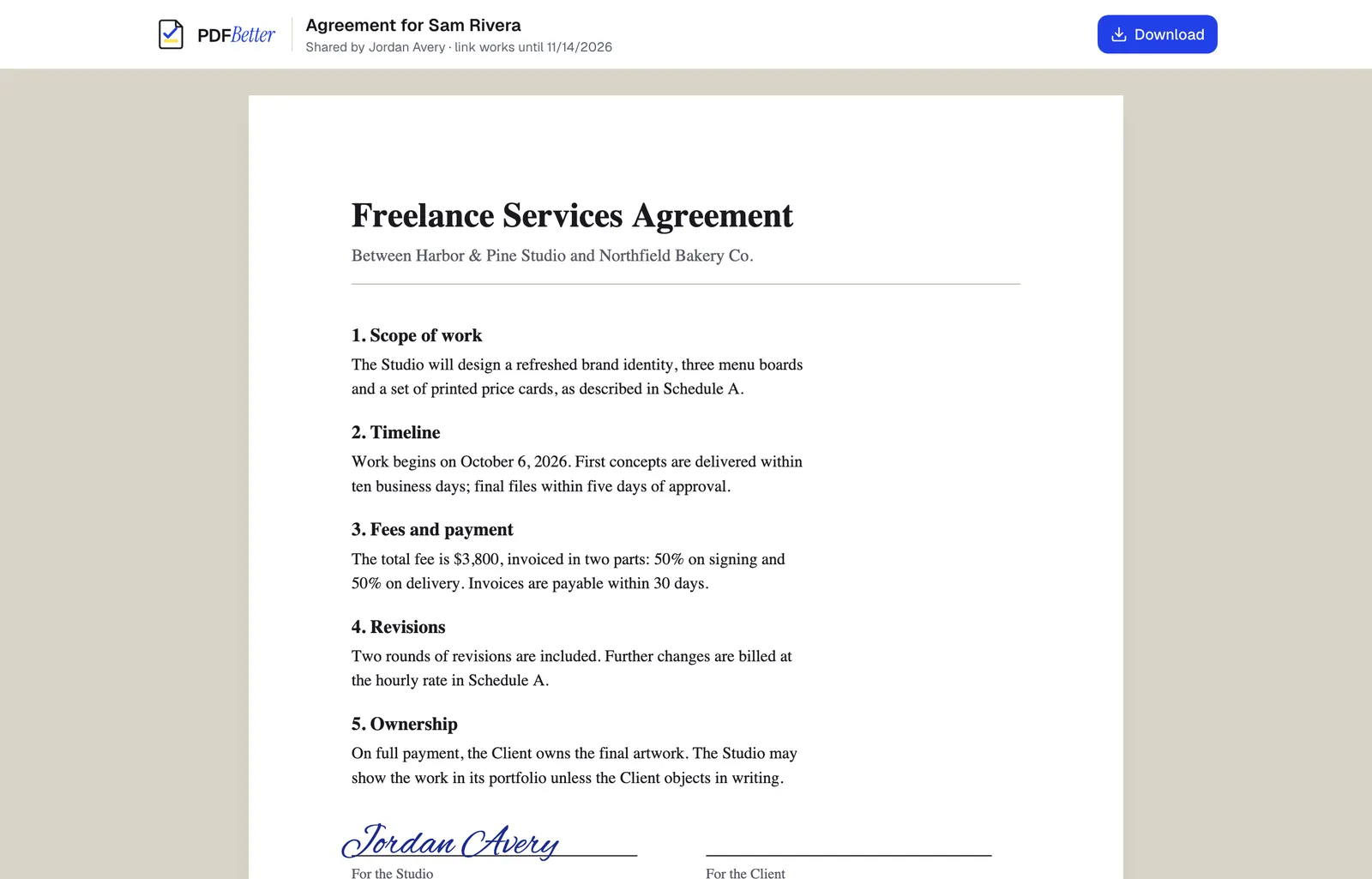
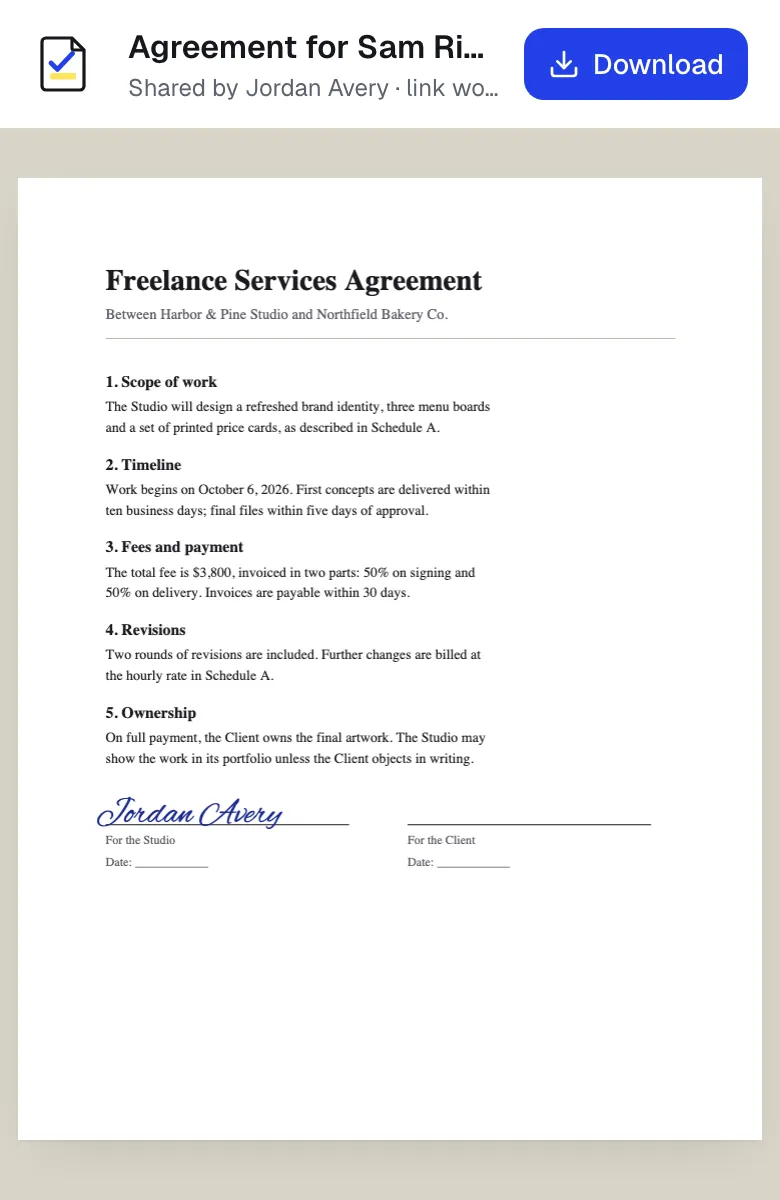
A shared link opened on a laptop and on a phone. Sample content; names and companies are fictional.
What you can and can't know
On links limited to specific people, an event shows the verified email of the account that opened it. That proves which invited account opened the link, not who was at the keyboard.
On anyone-with-the-link links, you see that a visitor opened it, a coarse browser family such as “Chrome on macOS” and a country when one is reported. Visitors are counted with a hash that changes every day, so a person can't be followed across days, and no IP address is stored. PDFBetter doesn't record read time, scroll depth or which pages were read.
Reading the numbers
An unexpected view is often a link preview: chat apps and email security scanners fetch links before anyone clicks. Common crawlers are filtered, but the filter isn't exhaustive. A forwarded link also shows up as new views.
Visitors whose browser sends Do-Not-Track or Global Privacy Control are recorded with the event and time only. Activity is kept for 14 days on Free, 90 on Pro and 365 on Business.
Tools used in this guide
- Share PDFCreate a link to your document, choose what people can do with it, and turn it off whenever you want.
- PDF to URLPublish a frozen copy of your PDF at a link anyone you send it to can open in the browser.
- Protect PDFSet a password to open the file, optionally restrict printing, editing and copying, and download an encrypted PDF.
- Online form builderTurn a document into a live form people fill out from a link, QR code or your website, and collect every response in one place.
Questions people ask
Does a view mean the person read the PDF?
No. A view means the link was opened. It may have been closed straight away, opened by a link-preview service, or forwarded to someone else.
Can I see how long someone read the PDF?
No. PDFBetter doesn't record read time, scroll depth or page-by-page reading.
Can I track a PDF I sent as an email attachment?
No. Activity covers PDFBetter share links and published forms. A file sent as an attachment can't report back.
Can I stop someone from downloading the PDF?
Turn off “Allow download” when you create the link. People can still screenshot what they see in the browser.
Does this need a paid plan?
No. Share activity is included with a free account; paid plans keep the history longer.