
Guide · Converting
How to compress a PDF for email
Reviewed
Short answer
To make a PDF small enough to email, run it through a PDF compressor, start with a medium level and check that small text is still readable. Personal Gmail accounts allow 25 MB of attachments and Outlook's default for internet accounts is 20 MB, but aim well below that, because email encoding makes attachments about a third larger. If compression isn't enough, split the file or send a share link instead.
On this page (7)
Know your limit
Google's help pages state a 25 MB attachment limit for personal Gmail accounts; work and school accounts follow their administrator's settings. Microsoft documents a default 20 MB limit for internet email accounts in desktop Outlook, and Exchange servers are often set lower. The recipient's server has its own limit too, which you can't see.
Attachments are encoded for transport, which adds roughly 33% to their size. A 20 MB PDF can therefore fail a 25 MB limit. For reliable delivery, aim for under 10 MB.
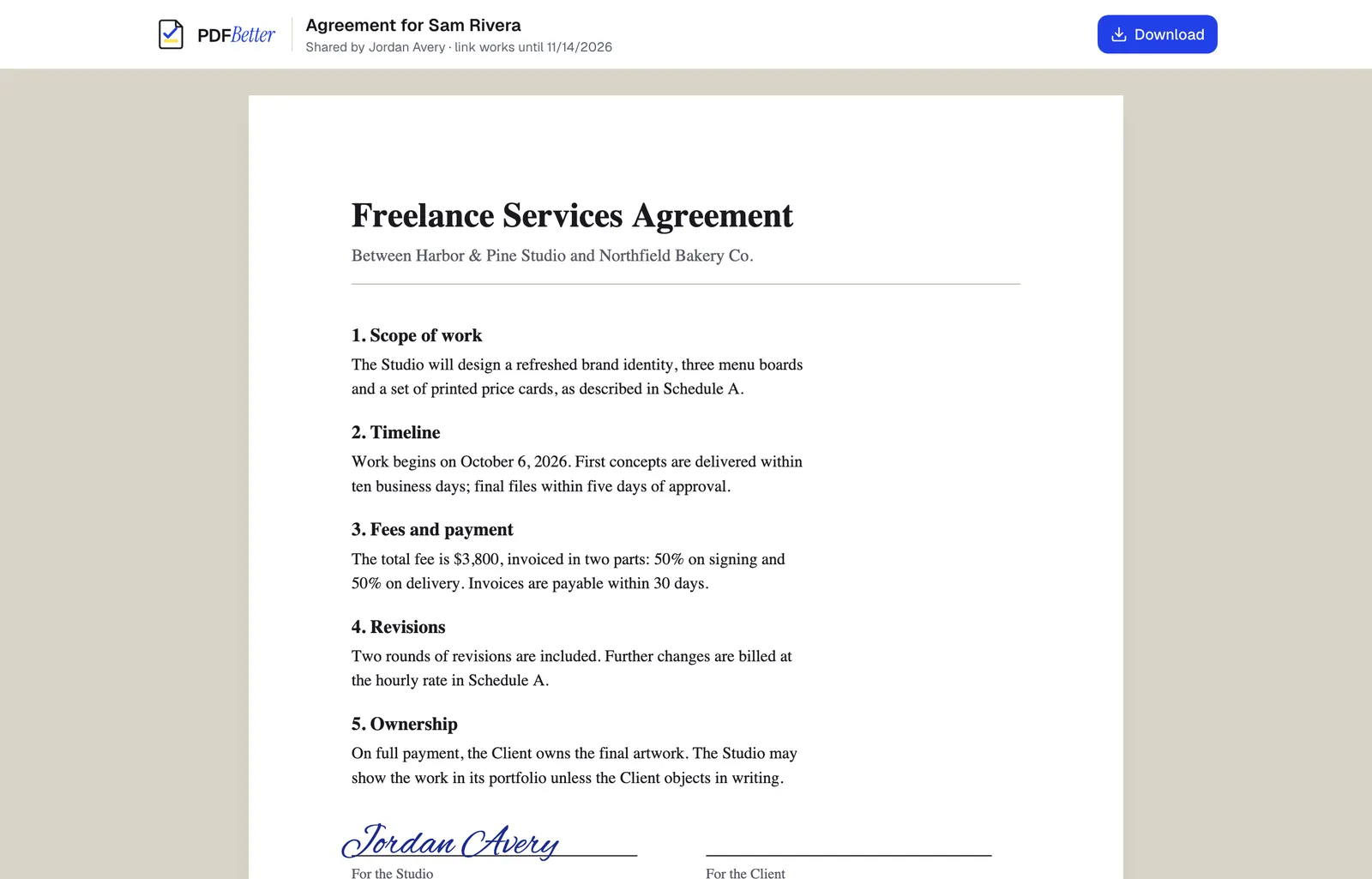
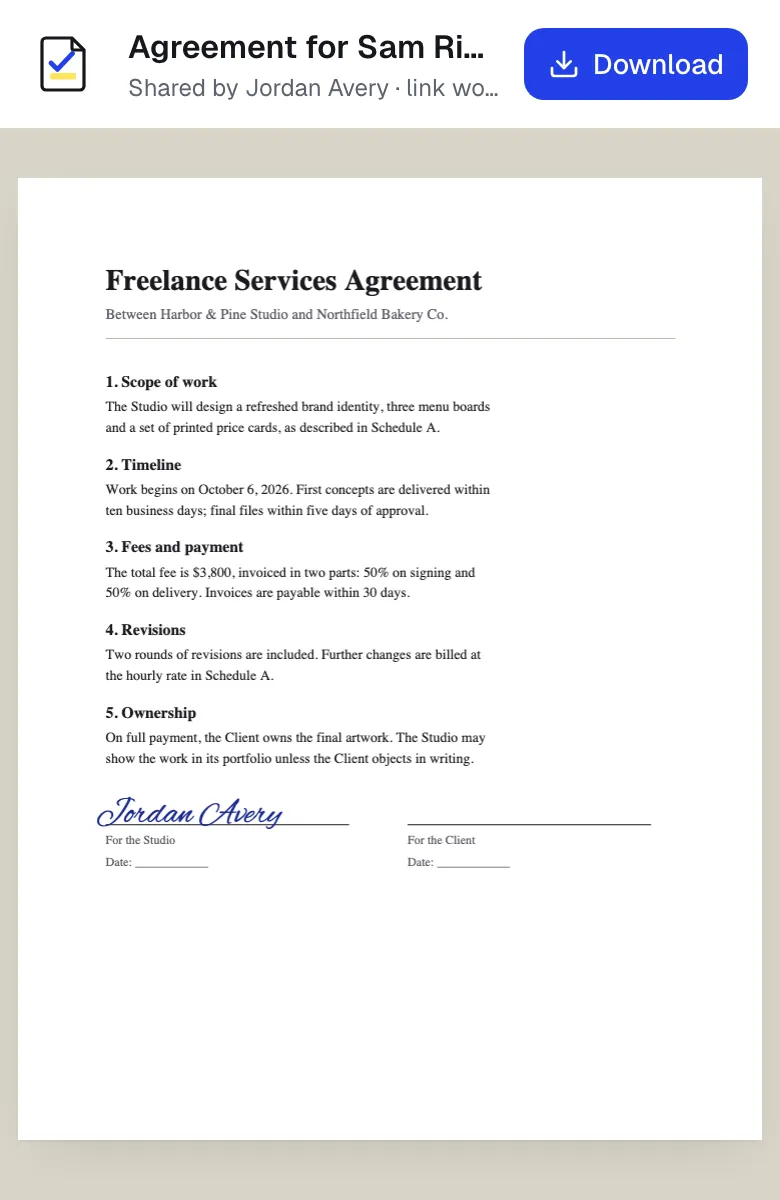
A shared link opened on a laptop and on a phone. Sample content; names and companies are fictional.
Why the file is large
Almost all of a large PDF's size is images: scanned pages, phone photos and high-resolution graphics. A text-only PDF exported from a word processor is usually small already and will shrink very little. That is why scans compress dramatically and contracts barely change.
Compress in PDFBetter
- 1
Upload the PDF
Open Compress PDF and add the file. Unlock password-protected files first.
- 2
Choose a level
Start with the middle level. Pick the lightest level when fine print or signatures must stay crisp, and the strongest for photo-heavy files.
- 3
Compare
Check the original and new size, then zoom into the smallest text in the preview.
- 4
Download
If the result is too soft or still too big, try another level. If no level makes the file smaller, you get the original back unchanged.
Still too big? Other options
Remove pages the recipient doesn't need, such as blank pages or appendices. Split the PDF into parts and send them in separate emails. Or skip the attachment entirely and send a share link, which has no attachment limit and lets you control access and expiry.
For scans, rescanning at 200–300 dpi in grayscale instead of 600 dpi color often produces a smaller file than any compressor can.
What compression changes
Compression re-encodes the images in the file and, at stronger levels, lowers their resolution. Text, fonts, links, bookmarks and form fields are left as they are. Keep the original file: you can't restore detail once it has been compressed away.
Tools used in this guide
- Compress PDFUpload a PDF, choose how hard to compress its images, and download a smaller file with the text and form fields untouched.
- Split PDFChoose where to cut, preview every resulting file, and download them as separate PDFs or one ZIP.
- Remove PDF pagesSelect the pages you do not want, check the remaining page count, and save a shorter PDF.
- Share PDFCreate a link to your document, choose what people can do with it, and turn it off whenever you want.
Questions people ask
Does compressing a PDF reduce quality?
Images can lose some sharpness, especially at the strongest level. Text and vector graphics are not affected.
Why didn't my PDF get smaller?
It probably contains few images. Text-based PDFs are already compact, so there is little to recompress.
Can I compress a PDF without uploading it?
Yes, partially. PDFBetter's light mode restructures the file in your browser without touching images. The bigger savings from image compression run on PDFBetter's servers.
Is there a limit to how many PDFs I can compress?
Each compression uses one Office & advanced conversion: 2 without an account, 10 a month on the Free plan and 500 on Pro.
Will compression break a digital signature?
Yes. Any change to a digitally signed PDF invalidates the signature, so compress before signing.