
Guide · Organizing pages
How to add page numbers to a PDF
Reviewed

Short answer
To add page numbers to a PDF, open it in a page-numbering tool, choose a position (for example bottom center) and a format such as “Page {n} of {total}”, set which pages to number and the starting number, preview and download. To skip a cover page, number from page 2 and start at 1. Add numbers after you finish reordering pages so they follow the final order.
On this page (7)
Add page numbers in PDFBetter
- 1
Upload the PDF
Open Add page numbers. The file is processed in your browser and isn't uploaded.
- 2
Pick position and format
Choose one of six positions and type a format using {n} for the page number and {total} for the count, such as “Page {n} of {total}” or “Exhibit B – {n}”.
- 3
Set pages and start number
Use a range such as 3- to skip a cover and contents page, and set the start number so the first numbered page reads 1.
- 4
Preview and download
Check the thumbnails, then download. No account is needed.
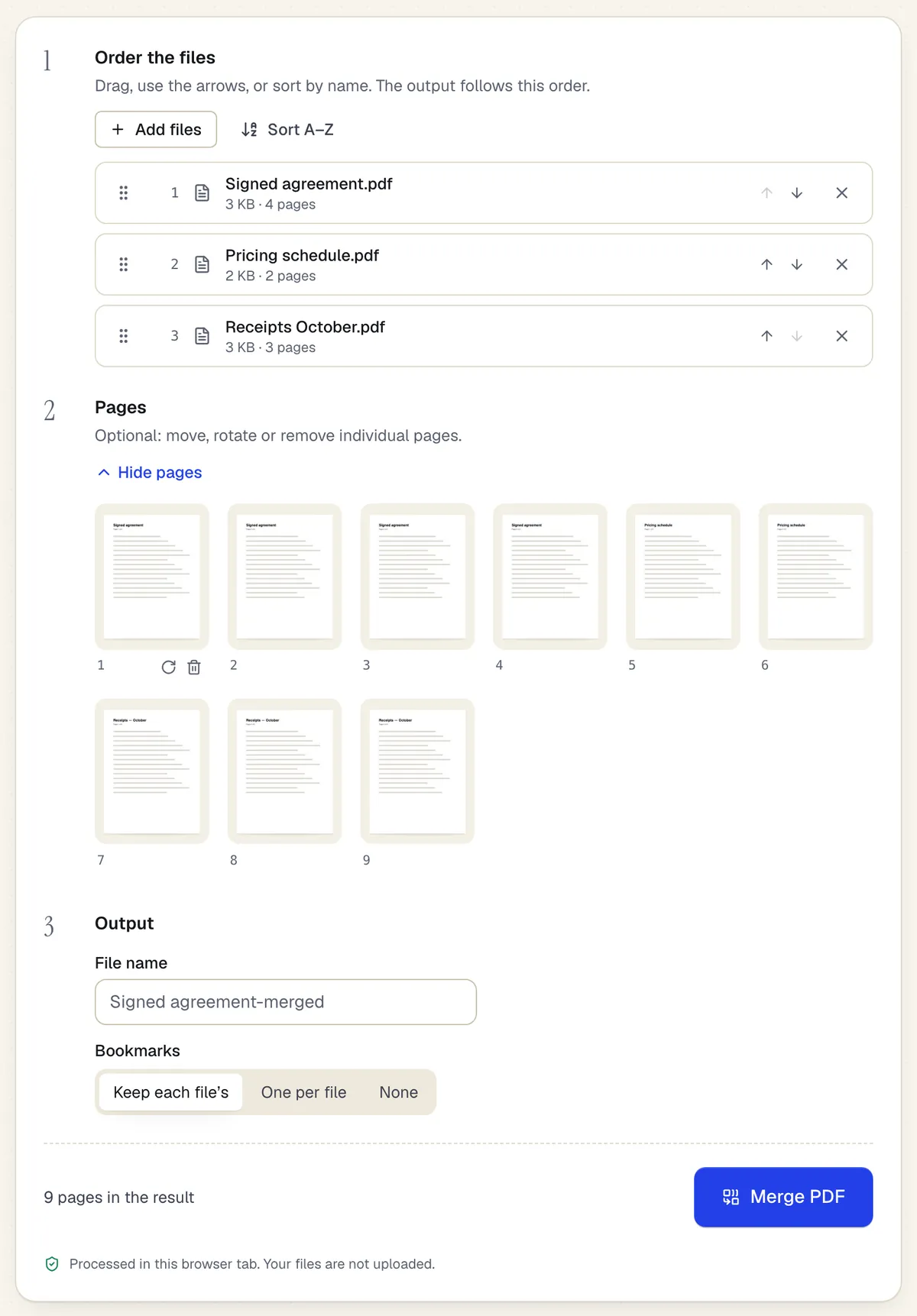
- Reorder whole files with drag or arrows
- Or move, rotate and remove single pages
- Processed in the browser tab — the files aren't uploaded
The Merge PDF workspace on this page, with three files added. Sample content; names and companies are fictional.
Skipping the cover and front matter
Most documents shouldn't number the cover. Set the page range to start after the front matter and the start number to 1. {total} counts only the numbered pages, so “Page 1 of 36” stays correct when two front pages are skipped.
Choose a position that won't clash
Numbers are stamped onto the page, so they overlap anything already there. If the document has footers or existing numbers at the bottom, put new numbers at the top or in a corner. Check a few pages with dense footers in the preview.
Number last
Numbers become part of the page content. If you add numbers and then reorder or delete pages, the numbers move with their pages and the sequence breaks. Finish merging, removing and reordering first, then number. Keep an un-numbered copy in case you need to change the format later.
Legal and court documents
Filings and productions often follow specific numbering rules, such as Bates numbers with a prefix and fixed digits. PDFBetter's numbering supports custom text around the number, but not zero-padded Bates sequences or Roman numerals, so check the rules you must follow.
Tools used in this guide
- Add page numbersChoose where the numbers go, which pages get them and what number to start from, then download the numbered PDF.
- Organize PDFFix a messy PDF in one pass: move, rotate, delete, duplicate and insert pages, then save one clean file.
- Merge PDFDrop in two or more PDFs, set the file and page order, and download one combined PDF.
- Add watermark to PDFType a word or pick an image, set how it sits on the page, and download a watermarked PDF without uploading the file.
Questions people ask
Is adding page numbers free?
Yes. It runs in your browser and downloads free without an account.
Can I use Roman numerals for the front matter?
No. Only Arabic numerals are generated. You can leave front matter unnumbered and start Arabic numbering on the first main page.
Can I remove page numbers later?
Not from the numbered file, because the numbers are part of the page. Start again from the un-numbered original.
Can I number only odd or even pages?
Yes. Choose odd or even pages in the page selection, for example to place numbers on alternating sides for double-sided printing.
Will page numbers show when printed?
Yes. They are stamped into the page content, so they print and appear in every viewer.