
Apps
PDFBetter for Mac
A real Mac app: open PDFs from Finder, drop files on the Dock icon, use the keyboard shortcuts you expect.
Version 1.0.3 · 130 MB · macOS 12 or later · Apple silicon
Mac with an Intel processor? Get the Intel version.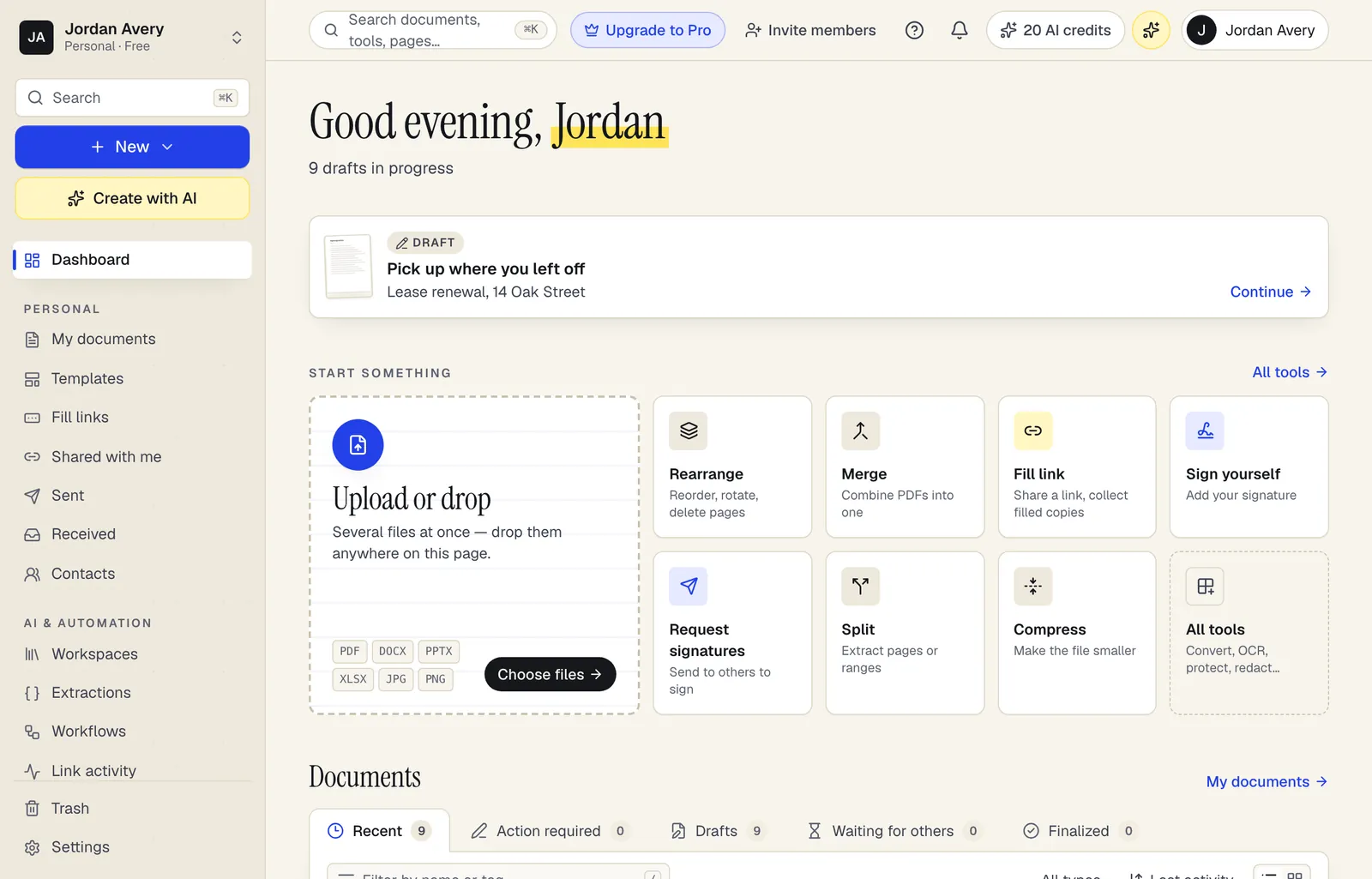
What the desktop app adds
- Open with PDFBetterMake it your PDF app: open files from Finder or File Explorer, or drop them on the app icon.
- Your usual sign-inSign in through your browser with Google, Apple, a passkey, an email link or your password.
- Same documents everywhereEverything saves to your account, so the web, desktop and phone always show the same files.
- Updates itselfNew versions install quietly in the background the next time you quit.

Inside the app
Everything you do on pdfbetter.com, in its own window
The app is PDFBetter itself, so new tools land in it the day they ship. What it adds is what a browser tab can't do.
- Edit text and images
- Fill any form
- Sign and request signatures
- Build fillable forms
- AI with page citations
- Convert, merge and compress
Install
Open the downloaded PDFBetter .dmg file.
Drag PDFBetter into your Applications folder.
Open PDFBetter from Applications or Launchpad and sign in.
Questions people ask
Which Mac download do I need?
Macs from late 2020 on have Apple silicon (M1 or later), so the main download is the right one. Older Macs have an Intel processor and need the Intel version. To check, open the Apple menu → About This Mac: it lists either a Chip (Apple M…) or a Processor (Intel).
Is the app free?
Yes. The app is free to download and uses your PDFBetter plan. The free plan works in it, and a paid plan unlocks the same features in the app as on the web.
Is it different from the website?
It's the same PDFBetter, so new features reach the app as soon as they're on the web. The app adds opening PDFs from your computer, native menus and shortcuts, and a window of its own.
Does it work offline?
No. Your documents are stored in your account, so the app needs an internet connection, just like pdfbetter.com. When you're offline it shows a reconnect screen.
Is the Mac app signed by Apple?
Yes. It's signed by AI Generated Inc. and notarized by Apple, so macOS opens it without warnings.