
Apps
PDFBetter for iPhone and iPad
Scan paper with the camera, fill and sign on the go, and pick up on your computer where you left off.

The iPhone and iPad app is finishing up. Until it's out, pdfbetter.com works in Safari on any iPhone or iPad.
Open pdfbetter.com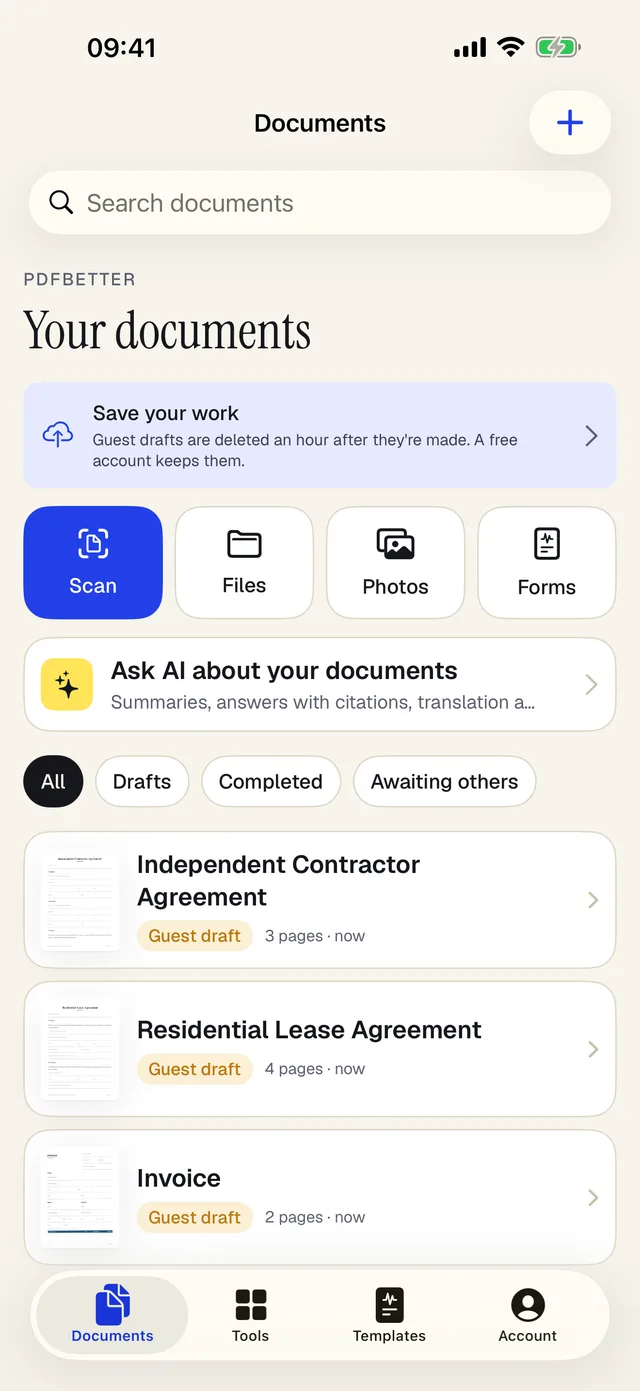
Made for your phone
Scan with the camera
Turn paper into a searchable PDF. Text is recognized on your iPhone.
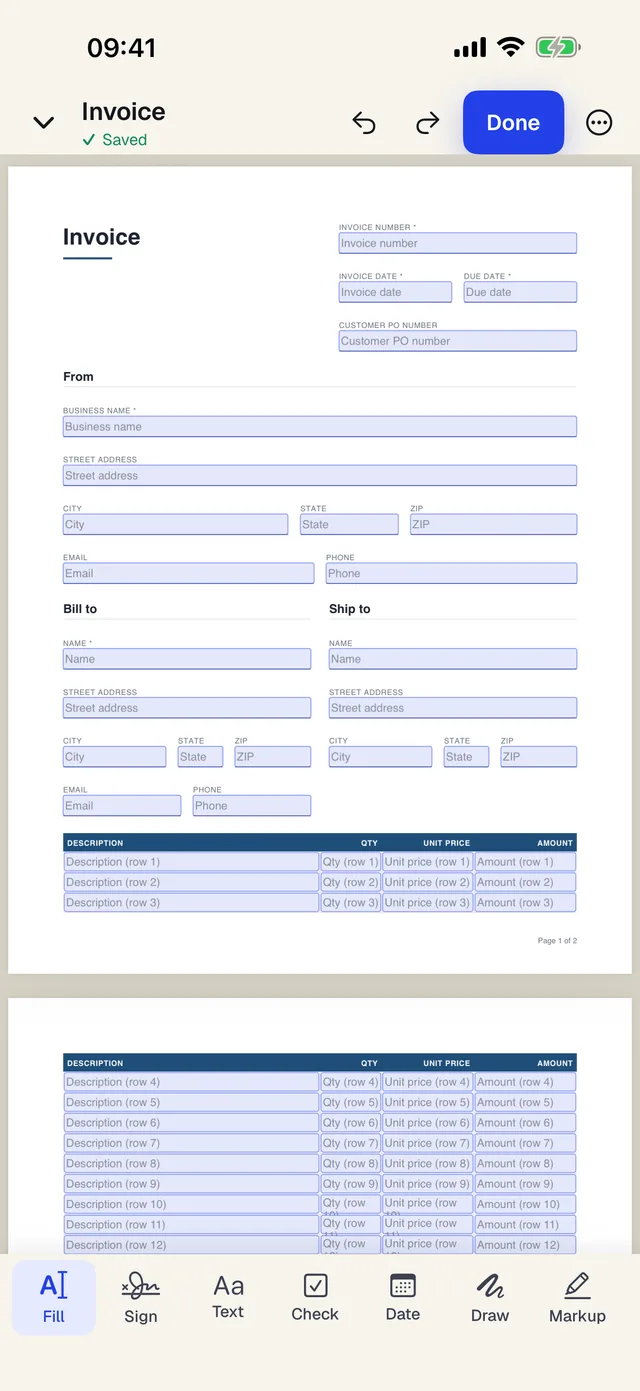
Sign with a finger
Draw your signature once and place it anywhere, with your finger or Apple Pencil.
Open from any app
Send a PDF from Mail, Files or Safari to PDFBetter with the share sheet.
Same account
Everything you save shows up on the web and on your computer.
Questions people ask
When is the iPhone app out?
It's being prepared for App Store review. This page will link straight to it the day it's out.
Can I use PDFBetter on my iPhone today?
Yes. pdfbetter.com works in Safari on iPhone and iPad, including filling, signing and sending documents.
Will my documents be on my phone?
Yes. Sign in with the same account and everything you've saved is there.
Is the app free?
Yes. The app is free to download and uses your PDFBetter plan. The free plan works in it, and a paid plan unlocks the same features in the app as on the web.