
Best of 2026
The best PDF to Word converters in 2026
By the PDFBetter teamPublished 8 min read
Our pick
PDFBetter is the best PDF to Word converter for most documents in 2026: it rebuilds text as paragraphs, ruled tables as Word tables and pictures as images, and its OCR turns scanned pages into editable text in up to four languages. Google Docs suits a free, quick text grab, and PDF24 suits free unlimited conversions.
On this page (10)
At a glance
| # | Tool | Best for | Free option | Paid from | Platforms |
|---|---|---|---|---|---|
| 1 | PDFBetterTop pick | Contracts, reports and scans you need to rewrite | Free plan, no card (10 conversions a month) | $3.25/month billed yearly (Starter), or $5 month to month | Web (any browser), Mac, Windows |
| 2 | Google Docs | Grabbing text from a small file for free | Free with a Google account | Free with a Google account | Web |
| 3 | PDF24 Tools | Free conversions with no account | Free, no registration | Free (ad-supported) | Web; Windows (PDF24 Creator) |
| 4 | Smallpdf | A fast DOCX from a digital PDF | Free tier with daily limits | $9/month billed annually (Pro) | Web, Windows |
| 5 | iLovePDF | Low-cost converting on Premium | Free tier with per-task limits | $4/month billed annually (Premium) | Web; Mac and Windows desktop app (paid) |
| 6 | Sejda | Occasional digital-PDF conversions | 3 free tasks per hour | $5 week pass, or $7.50/month | Web, Windows, Mac, Linux |
The list
1.PDFBetter
PDFBetter turns a PDF into an editable DOCX that opens in Word, Google Docs or LibreOffice, with tables you can add rows to and images where they belong. Scanned pages convert too, with OCR set to Auto or On. You can try it without an account, and the Free plan includes 10 conversions a month.
Why it's first
Tables arrive as Word tables
A fee schedule or price list with ruled lines becomes a real Word table, so you can add a row or change a figure instead of fighting tab stops.
PDF to WordOCR for scans, built in
Set OCR to Auto and it runs only on pages without usable text, which suits a contract that is part typed, part scanned. Choose up to four languages so accents and non-Latin scripts are read correctly.
PDF to WordConvert only the pages you need
Enter a range such as 3-7 to pull one section out of a long report instead of cleaning up 80 pages you didn't want.
PDF to WordOr skip conversion and edit the PDF
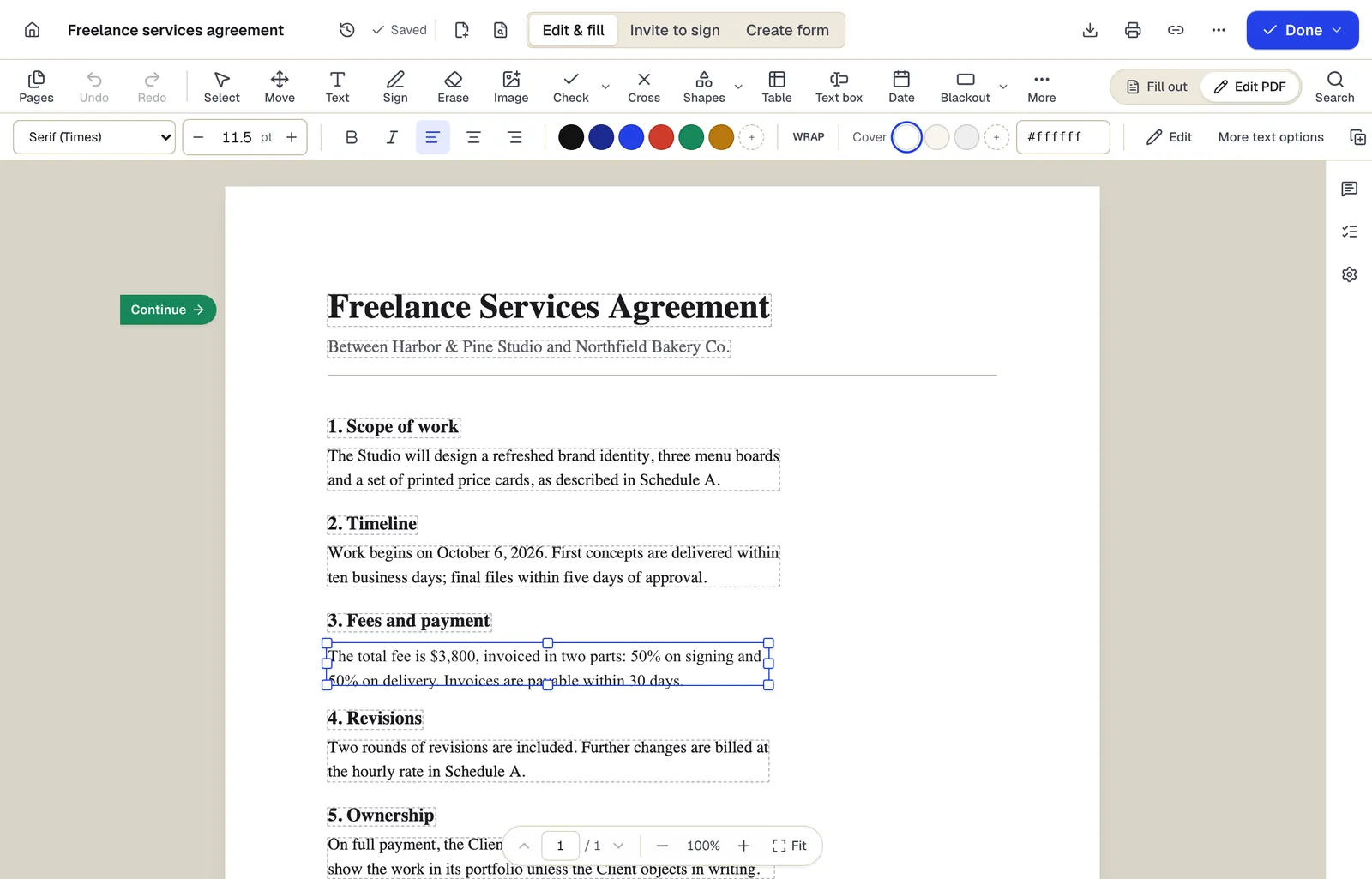
For a corrected date or a changed name, edit the PDF directly. The layout stays exactly as it is, and there is no Word file to check.
Edit PDFPlain text without uploading
When you only need the words, PDF to TXT extracts them in your browser in reading order. The file is not uploaded.
PDF to TXTBack to PDF when you're done
Finished the rewrite? Turn the DOCX back into a PDF with Word to PDF in the same account.
Word to PDFBrowser, Mac and Windows
PDFBetter has free desktop apps for Mac and Windows that use the same account and documents as the web; its iPhone and iPad app is coming soon to the App Store, and its Android app is on Google Play.
- Free option
- Free plan, no card (10 conversions a month)
- Paid from
- $3.25/month billed yearly (Starter), or $5 month to month
- Platforms
- Web (any browser), Mac, Windows
2.Google Docs
Best for grabbing text from a small file for free
Open a PDF from Google Drive with Google Docs and Drive converts it to an editable document. Google's guidance is files of 2 MB or smaller; bold, italics and line breaks usually carry over, while tables, lists and columns usually don't.
Paid from: Free with a Google accountFree option: Free with a Google accountPlatforms: Web
docs.google.com3.PDF24 Tools
Best for free conversions with no account
A free, ad-supported converter that needs no registration and has no stated usage caps. It converts on servers in Germany and deletes files after an hour; scanned PDFs go through its separate OCR tool first.
Paid from: Free (ad-supported)Free option: Free, no registrationPlatforms: Web; Windows (PDF24 Creator)
tools.pdf24.org4.Smallpdf
Best for a fast docx from a digital pdf
Converts a PDF to DOCX for free without signing up, within usage limits. OCR for scanned PDFs is a Pro feature, and uploaded files are deleted an hour after processing.
Paid from: $9/month billed annually (Pro)Free option: Free tier with daily limitsPlatforms: Web, Windows
smallpdf.com5.iLovePDF
Best for low-cost converting on premium
Converts PDFs with selectable text to Word; scanned PDFs use the OCR option, which iLovePDF labels Premium. The free plan allows one file per conversion task.
Paid from: $4/month billed annually (Premium)Free option: Free tier with per-task limitsPlatforms: Web; Mac and Windows desktop app (paid)
ilovepdf.com6.Sejda
Best for occasional digital-pdf conversions
Converts text-based PDFs to Word, three free tasks an hour, and deletes files after two hours. Sejda's converter does not take scanned documents; those go through its OCR tool.
Paid from: $5 week pass, or $7.50/monthFree option: 3 free tasks per hourPlatforms: Web, Windows, Mac, Linux
sejda.com
What makes a PDF to Word conversion good?
A PDF records where each letter sits on a page. It does not record paragraphs, styles or table cells, so every converter has to guess the structure back. The good ones guess well on the parts you will actually edit. Judge a converter on a real document, not on a one-page sample, and look at these four things in the Word file.
- Paragraphs, not lines. Click inside a sentence and type. If every line ends in a hard break, rewriting a clause means fixing every line after it.
- Tables as tables. A fee table should come back as a Word table you can add a row to, not as text separated by spaces.
- Scans that become text. A scanned page needs OCR. Without it you get a picture of the page inside a Word file.
- Reading order. On a two-column page, the text should run down the first column before the second.
Single-column contracts, letters and reports convert cleanly in most tools. Multi-column newsletters, forms built from text boxes and text laid over images are hard for every converter, so plan to tidy some spacing on those. PDFBetter's OCR Auto setting handles the most common mixed case, a typed agreement with scanned signature pages, without you having to sort the pages first.
Why does a converted Word file look wrong?
Most problems after a conversion trace back to how the PDF was made, not to the button you pressed. Match what you see to its cause and the fix is usually quick.
| What you see | Why it happens | What to do |
|---|---|---|
| Pictures of pages instead of text | The PDF is a scan with no text layer | Convert again with OCR set to On |
| Lines break in the middle of sentences | The PDF placed text line by line | Use Find and Replace on paragraph marks in Word |
| Boxes or wrong symbols instead of letters | The PDF's fonts lack a proper text mapping | Convert with OCR set to On so text is read from the page image |
| Columns run into each other | A multi-column layout was read as one flow | Convert only the pages you need and fix the order there |
| Page breaks moved | A substitute font with different widths | Adjust the breaks after your edits are done |
| Header text repeated in the body | Headers convert as body text on each page | Delete the repeats, or add a Word header once |
If the fixes start to take longer than the edit itself, step back. For a handful of corrections, editing the PDF directly in Edit PDF keeps the original layout and skips the cleanup entirely.
Should you convert to Word or edit the PDF?
Convert when you will rewrite a lot: a contract you are reusing as a template, a report you are turning into a new edition, a scanned letter you need to retype. Edit the PDF when you are fixing a few things, because the layout stays exactly as it was and there is nothing to reformat.
| The job | Where to do it | What you get |
|---|---|---|
| Reuse last year's contract as a template | PDF to Word | An editable DOCX with numbered clauses and tables |
| Fix a date or a misspelled name | Edit PDF | The original line retyped, layout unchanged |
| Retype a scanned letter | PDF to Word with OCR on | Recognized text you can edit |
| Paste a section into an email | PDF to TXT | Plain text, extracted in your browser |
| Get the figures into a spreadsheet | PDF to Excel | Rows and columns with numeric cells |
| Turn the finished DOCX back into a PDF | Word to PDF | A PDF ready to send |
Free or paid: which PDF to Word converter should you pick?
Free converters are fine for digital PDFs. The difference shows on scans: several tools keep OCR for paying customers, and a converter without OCR returns a scanned page as an image. Check this before you upload a scanned agreement and wonder why nothing can be edited.
PDFBetter includes OCR in the conversion on every plan. You can run a couple of conversions without an account to try it, and the Free plan covers 10 a month, with 20 OCR pages for scanned pages. Pro is $15 a month, or $10 a month billed yearly, with 500 conversions and 1,000 OCR pages. Starter, at $5 a month, covers 100 conversions and 200 OCR pages.
Check the fonts after converting
When the original font is not available on the conversion server, a close match is used, which can move a line or page break. Skim the page ends of the DOCX before you send it on.
Which PDF to Word converter fits your document?
Start from the document in front of you. A contract you will reuse, a scan you need to retype and a two-paragraph quote you want in an email call for different tools.
- A contract or report you will rewrite: PDFBetter, for paragraphs you can type into, Word tables and a page range so you convert only the section you need.
- A part-typed, part-scanned agreement: PDFBetter with OCR on Auto, which recognizes only the pages that need it.
- A short scan you want as text in a Google Doc: Google Docs, if the file is small and you don't need its tables.
- Many digital PDFs and no budget: PDF24, which is ad-supported and asks for no account.
- A one-off digital PDF: Smallpdf, iLovePDF or Sejda all convert text-based files on their free tiers, each with its own task limits.
Whichever you use, read the converted file once before sending it. A sentence that jumped columns or a figure that moved to the next page is easy to fix when you catch it and awkward when a client does.
Is it safe to convert a confidential PDF online?
Converting to Word needs real processing power, so online converters upload the file. What you should look for is a plain statement of where it goes and how long it stays. PDFBetter runs the conversion on its own processing servers. Files uploaded only to run a tool are deleted after 24 hours, and documents you save to your account can be deleted whenever you like.
If you only need the words, PDF to TXT runs entirely in your browser, so the file is never uploaded. For more on how files are handled, see PDFBetter security.
How do you convert a PDF to Word with PDFBetter?
- 1
Upload the PDF
Up to 10 MB without an account or on the Free plan, 50 MB on Starter. Unlock password-protected files first.
- 2
Choose pages and OCR
Convert all pages or a range. OCR Auto runs only on pages without usable text; pick the languages in the document.
- 3
Convert
The file is processed on PDFBetter's servers and progress shows on the page.
- 4
Review the DOCX
Open it in Word, check tables and page breaks, and edit as normal.
For a fuller walkthrough with troubleshooting, read how to convert a PDF to Word. Files uploaded only to run a tool are deleted after 24 hours.
See why PDFBetter is first.
No account needed to start, and tools that run in your browser never upload your file. Keep going on the free plan, or pick a plan when you need more.
Questions people ask
Which PDF to Word converter keeps formatting best?
On single-column documents, converters that rebuild paragraphs and tables, such as PDFBetter, keep the most. Multi-column layouts and text boxes need some cleanup in any converter.
Can I convert a scanned PDF to Word for free?
Yes. PDFBetter's Free plan includes OCR in the conversion, with 20 OCR pages a month. Google Docs also recognizes text in small files for free, without keeping tables.
Why does my Word file show pictures of pages?
The PDF is a scan with no text layer. Convert again with OCR set to On.
Should I convert a PDF form to Word to fill it in?
Skip the conversion and fill the PDF itself with Fill PDF, where the fields stay fillable and the layout stays exact. Convert to Word only when you need to rewrite the form's wording.
Can I convert just one page?
Yes. In PDFBetter, enter the page number or a range before converting.
Is PDF to Word or PDF to Google Docs better?
Google Docs works for a quick text grab from a small file. For tables, scans in several languages or files over a couple of megabytes, a dedicated converter returns a cleaner DOCX.
Can I convert a password-protected PDF to Word?
Unlock it first with Unlock PDF, using the password, then upload the unlocked copy to PDF to Word.
Which languages does OCR recognize when converting?
You choose up to four languages that appear in the document, so accented characters and non-Latin scripts are read correctly. Recognized pages count toward your monthly OCR pages.
Sources
- PDFBetter plans and limits — pdfbetter.com, checked
- Google Drive Help: convert PDF and image files to text — support.google.com, checked
- PDF24 PDF to Word — tools.pdf24.org, checked
- Smallpdf pricing — smallpdf.com, checked
- Smallpdf PDF to Word — smallpdf.com, checked
- iLovePDF pricing and limits — ilovepdf.com, checked
- iLovePDF PDF to Word — ilovepdf.com, checked
- Sejda upgrade options — sejda.com, checked
- Sejda PDF to Word — sejda.com, checked