
Guide · Tax forms
1099-NEC vs 1099-K
Reviewed

Short answer
Form 1099-NEC is filed by a business that paid you $2,000 or more for services in 2026 by means other than a card or payment app, such as a check. Form 1099-K is filed by the card processor or payment app that settled payments to you: card payments are reported at any amount, and app or marketplace payments only when they exceed $20,000 and 200 transactions for the year. A card or app payment belongs on the 1099-K, not the 1099-NEC, so on Schedule C you report your actual gross receipts once, whichever forms you received.
On this page (8)
Side by side
Form 1099-NEC is filed by a business that paid a nonemployee, such as a freelancer or independent contractor, for services. For payments made in 2026 the threshold is $2,000 for the year, up from $600, and the IRS says it may be adjusted for inflation beginning in 2027. The amount goes in box 1a.
Form 1099-K is filed by a payment settlement entity, not by your client. Payment card processors report card payments no matter how many or how much. Third party settlement organizations, such as payment apps and online marketplaces, report a payee only when the year's payments exceed $20,000 and the number of transactions exceeds 200. Box 1a is the gross amount, before fees, refunds and shipping.
The instructions for Form 1099-NEC say payments made by credit card, payment card or through a third party network are reported on Form 1099-K and are not reported on Form 1099-NEC. So each payment should land on one form or the other, depending on how it was paid.
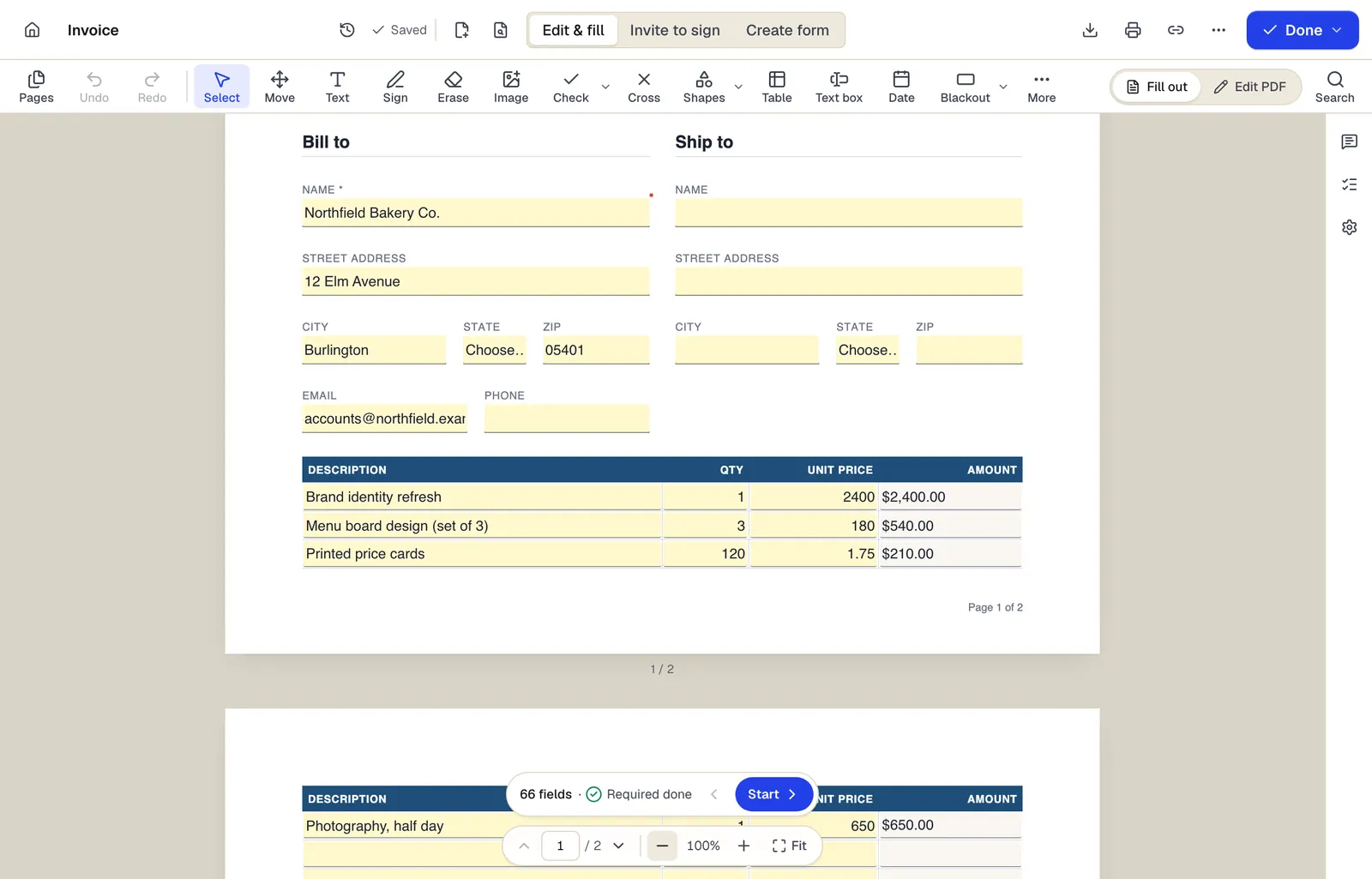
- Edit & fill, Invite to sign and Create form are three modes of the same editor
- Amounts are formula fields: they calculate as you type
- The field navigator counts what's left and jumps to the next field
The editor in Edit & fill mode on an invoice template. Sample content; names and companies are fictional.
Which form a payment lands on
- 1
Paid by check or bank transfer
The client files Form 1099-NEC if it paid you $2,000 or more in 2026 in the course of its trade or business.
- 2
Paid by credit or debit card
The card processor reports it on your Form 1099-K, whatever the amount. The client doesn't issue a 1099-NEC for it.
- 3
Paid through a payment app or marketplace
The app or marketplace reports it on Form 1099-K if your payments through it for the year exceed $20,000 and 200 transactions. Below that, you may get no form at all.
- 4
Paid by friends or family
The IRS says money from friends and family for gifts or shared personal expenses isn't taxable income and shouldn't be on a Form 1099-K.
- 5
No form arrives
Business income is still reportable. The Schedule C instructions say to report all income from your business from all sources.
If you pay contractors
Collect a Form W-9 before the first payment so you have the contractor's name and TIN. After the year ends, file Form 1099-NEC for each contractor you paid $2,000 or more in 2026, leaving out amounts you paid by card or through a payment app. Copy B goes to the contractor and Copy A to the IRS, both by February 1, 2027.
If you file 10 or more information returns in total, you must e-file, for example through the IRS's free IRIS portal. Paper filers need the official red-ink Copy A and Form 1096; the Copy A printed from irs.gov isn't scannable.
Reporting both on Schedule C
If you're the freelancer, Schedule C line 1 is your gross receipts from the business, not the sum of the forms you received. Start from your own records and use the forms as a check.
- 1
Total your receipts from your records
Add up what clients and customers paid you in 2026 from invoices, bank deposits and platform reports, counting each payment once.
- 2
Check that every 1099-NEC is included
The Schedule C instructions say line 1 should include amounts properly shown on your Forms 1099-NEC. If the box 1 totals are more than what you report on line 1, attach a statement explaining the difference.
- 3
Reconcile the 1099-K gross amount
Box 1a is before fees, refunds and shipping. Report gross sales on line 1, returns and allowances on line 2, and the platform's fees with your other expenses in Part II.
- 4
Count a payment once if it shows up twice
If a client sent a 1099-NEC for a payment made by card or through an app that is also on your 1099-K, report it once and ask the client for a corrected 1099-NEC. Keep records showing how you were paid, and explain any remaining difference in the line 1 statement.
- 5
Keep personal amounts off Schedule C
If a 1099-K includes amounts in error or personal items you sold at a loss, the IRS says to report them at the top of Schedule 1 (Form 1040) so they aren't taxed, not on Schedule C. Ask the filer for a corrected form as well.
Due dates in 2027
For 2026 payments, Form 1099-NEC goes to the contractor and to the IRS by February 1, 2027 (January 31 is a Sunday), whether you file on paper or electronically. Form 1099-K goes to the payee by February 1, 2027, and to the IRS by March 1, 2027 on paper or March 31, 2027 if e-filed.
Your own 2026 return with Schedule C is due April 15, 2027, or October 15, 2027 with an extension. The fourth 2026 estimated tax payment is due January 15, 2027.
Fill it out with PDFBetter
If you pay contractors, open Form 1099-NEC from PDFBetter's tax form library (pdfbetter.com/forms/us/irs/1099-nec/) in Fill PDF, type the boxes, and print Copy B for the contractor, Copy 2 if they file a state return, and Copy C for your records. For many contractors, Fill PDF from Excel fills one form per spreadsheet row. PDFBetter doesn't e-file: file Copy A through IRIS or on the official red form with Form 1096. Send a copy electronically only if the contractor agreed to receive it that way, through a password-protected link, because it shows their TIN.
If you're the freelancer, the Form 1099-K page (pdfbetter.com/forms/us/irs/1099-k/) explains each box on the form you receive, and our Schedule C guide covers the return line by line. The IRS instructions for each form control; this is a general explanation, not tax advice.
Tools used in this guide
- Fill PDFOpen the form, move through every field with Tab, fill it in, and download a completed PDF that keeps or locks your answers.
- Fill PDF from ExcelMatch spreadsheet columns to form fields, check a preview, and generate one filled PDF for every row.
- Print PDFSend your filled, signed or annotated PDF to a printer with everything positioned as it appears on screen.
- Protect PDFSet a password to open the file, optionally restrict printing, editing and copying, and download an encrypted PDF.
- Share PDFCreate a link to your document, choose what people can do with it, and turn it off whenever you want.
Questions people ask
A client paid me through a payment app and also sent a 1099-NEC. Do I report it twice?
No. Report the income once. Payments through a third party network are reported on Form 1099-K, not 1099-NEC, so ask the client to correct the 1099-NEC and keep records of how you were paid.
Is the amount on my 1099-K taxable income?
Not necessarily. Box 1a is the gross amount before fees, refunds and shipping, and the IRS says a payment being on a 1099-K doesn't make it taxable. You report your actual business income on Schedule C.
My 1099-K is wrong. Who fixes it?
The filer named in the upper-left corner of the form, or the payment settlement entity shown on it if you don't recognize the filer. The IRS says it can't correct a 1099-K and that you shouldn't wait to file.
I was paid less than $2,000 and got no 1099-NEC. Is the income taxable?
Yes. All business income is reportable whether or not you receive a form.
Does the $2,000 threshold apply to 2025 payments?
No. It applies to payments made after 2025. Late 1099-NECs for 2025 payments use the $600 threshold and the April 2025 revision of the form.
I got a 1099-K for money from friends and family. What now?
The IRS says gifts and repayments of personal expenses aren't taxable and shouldn't be on a 1099-K. Ask the filer for a corrected form. If the amount on the form is wrong, the IRS says to report the amount from the incorrect form on Schedule 1 (Form 1040) and not to wait to file.